
Top Tips for Setting Up Your Home Office Internet in Lufkin
ET
Choosing the Right Internet Provider
When setting up your home office in Lufkin, selecting the right internet provider is crucial. With multiple options available, it’s important to consider both speed and reliability. Research local providers and read customer reviews to get a sense of their service quality. Pay attention to download and upload speeds, especially if your work involves video conferencing or large file transfers.

Understanding Your Bandwidth Needs
Bandwidth plays a significant role in determining the efficiency of your home office internet. If multiple users are sharing the connection or if your work involves heavy data usage, opt for a higher bandwidth plan. Consider factors like streaming, online meetings, and cloud services when assessing your needs. A plan that fits your usage patterns will ensure smooth operations.
It’s also wise to account for future needs. As remote work evolves, your internet requirements may change, so choose a plan that offers flexibility and easy upgrades. This foresight can save you from future headaches and downtime.
Optimizing Your Home Network
Setting up a robust home network is essential for maintaining a stable connection. Start by placing your router in a central location to maximize coverage. Avoid placing it near walls or large metal objects, which can interfere with the signal. Consider investing in a mesh Wi-Fi system if your home office is far from the router.

Securing Your Network
Security is paramount when working from home. Protect your network with a strong password and enable WPA3 encryption if available. Regularly update your router’s firmware to safeguard against vulnerabilities. Additionally, consider setting up a guest network for visitors, which can help keep your main network secure.
Utilizing a Virtual Private Network (VPN) is another excellent way to enhance security. A VPN encrypts your internet traffic and can provide an extra layer of protection, especially when dealing with sensitive information.
Boosting Your Wi-Fi Signal
Struggling with weak Wi-Fi signals in certain areas of your home? Try adding Wi-Fi extenders or boosters to amplify the signal. These devices can bridge the gap between your router and distant rooms, ensuring consistent coverage throughout your home office.
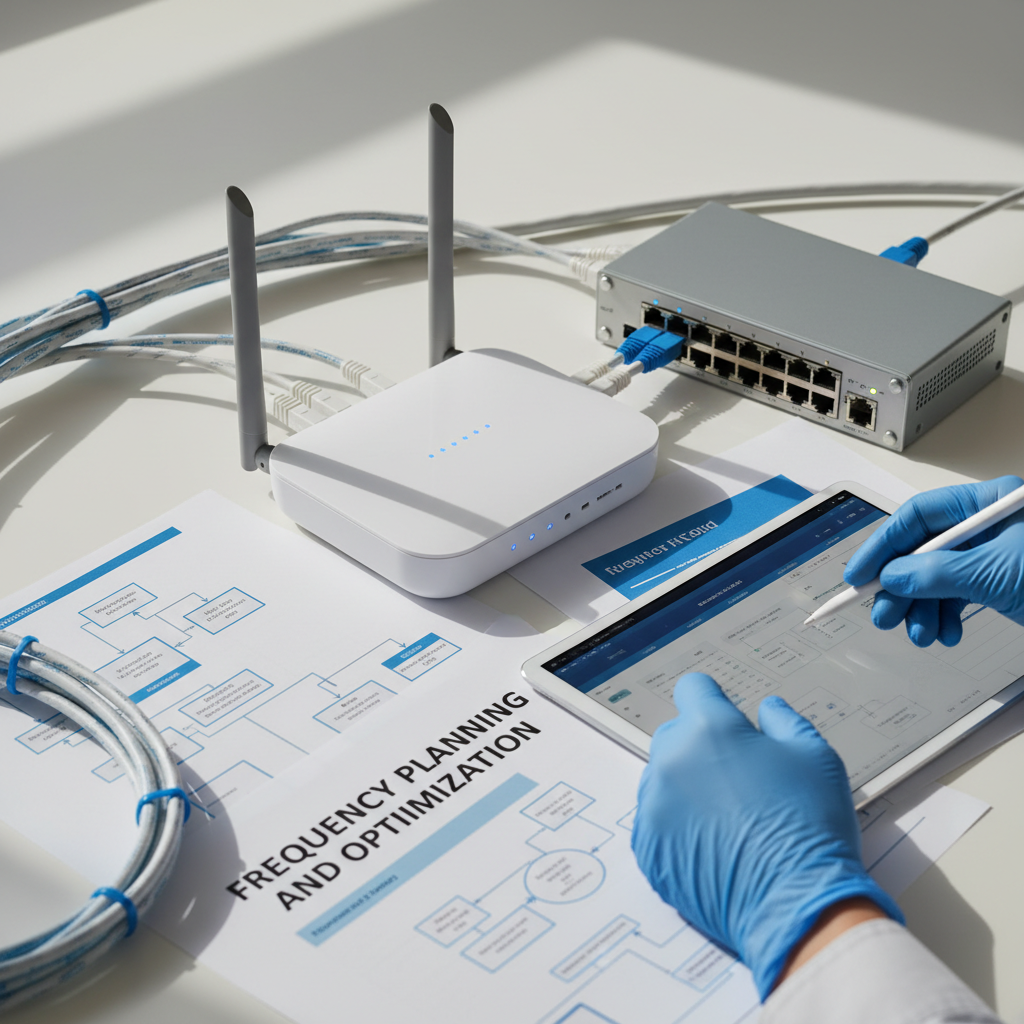
Troubleshooting Common Issues
Even with the best setup, occasional internet issues may arise. Familiarize yourself with basic troubleshooting techniques, such as restarting your router or checking for service outages with your provider. Keeping a handy checklist of solutions can minimize downtime and keep your productivity on track.
For persistent issues, don't hesitate to contact your internet provider for support. They may offer insights or solutions tailored to your specific situation, helping to resolve problems efficiently.