
How to Optimize Your Home Network with East Texas DSL
ET
Understanding Your Home Network
Optimizing your home network is crucial to ensuring seamless connectivity, especially when using East Texas DSL. A well-optimized network can enhance your browsing experience, improve streaming quality, and ensure stable connections for all your devices. Let's explore some effective strategies to maximize your DSL performance.

Assess Your Current Setup
Before making any changes, it's important to understand your current network setup. Identify the location of your DSL modem and router, and ensure they are placed in a central location in your home. This helps in distributing the signal more evenly across all areas.
Check for any physical obstructions or electronic interference that could weaken your Wi-Fi signal. Items such as microwaves and cordless phones can often disrupt the connection. Relocating these devices or your router can make a significant difference.
Upgrade Your Equipment
Technology is constantly evolving, and using outdated equipment can limit your network's potential. Consider upgrading to a modern DSL router that supports the latest standards. This can improve both speed and range, providing a more reliable connection for all your devices.
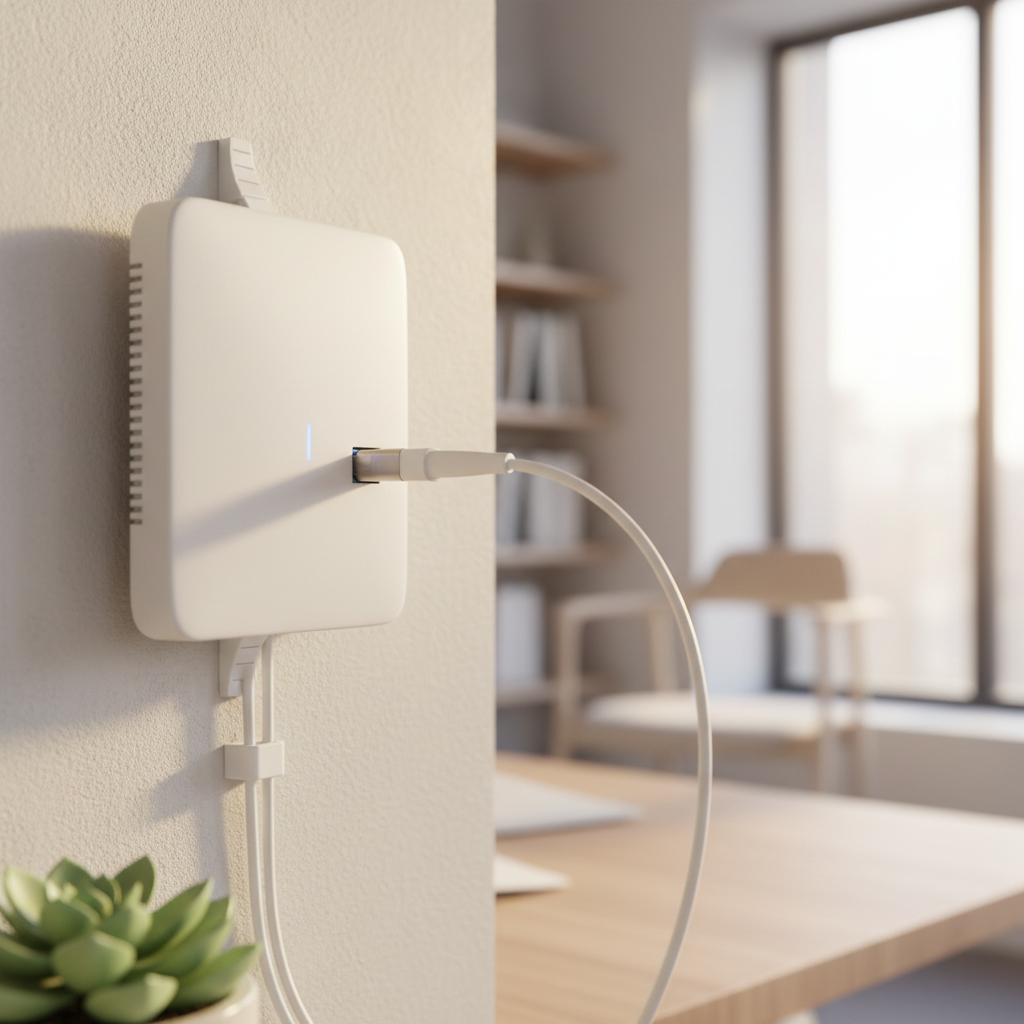
Additionally, ensure your devices are up-to-date with the latest firmware. Manufacturers often release updates that improve performance and security, so keeping your equipment current is vital.
Optimize Your Wi-Fi Settings
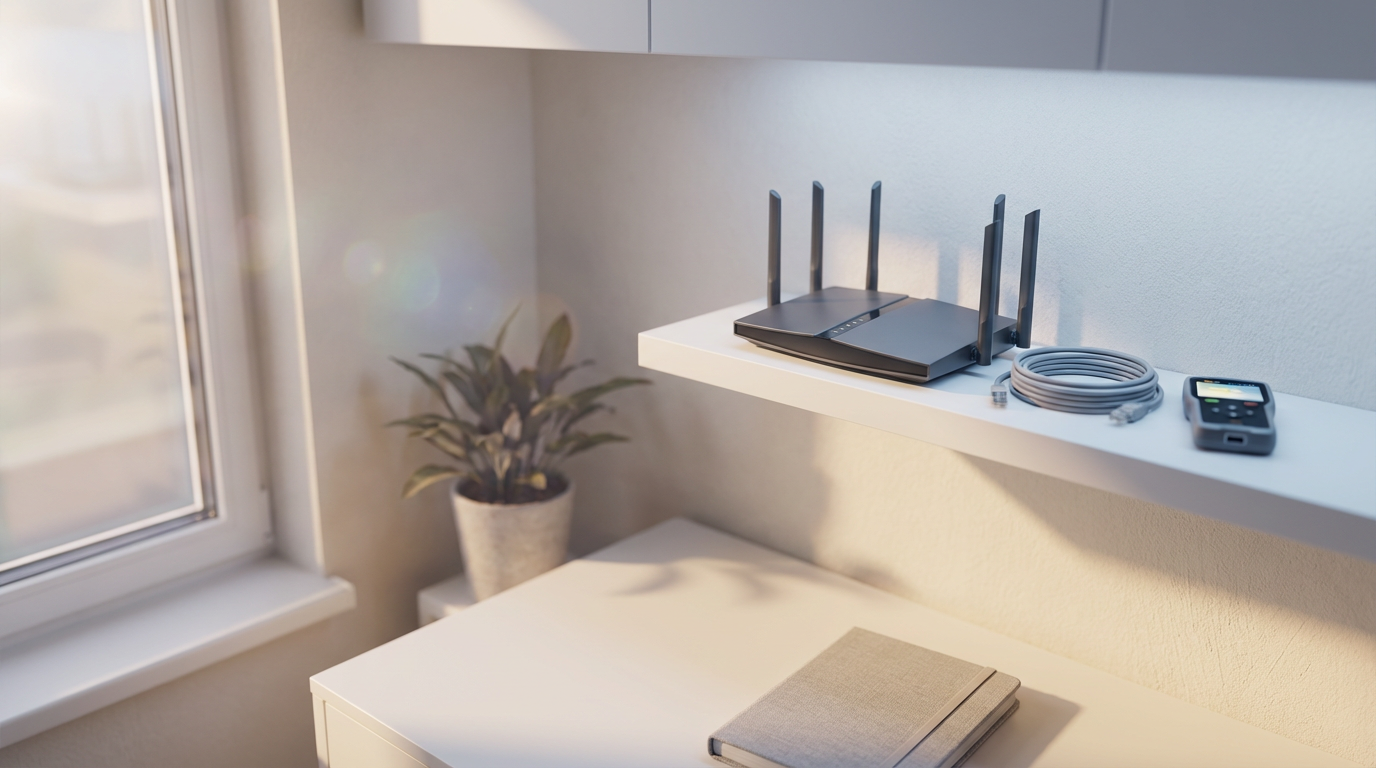
Adjusting your Wi-Fi settings can significantly impact your network's performance. Start by selecting the optimal channel; many routers default to the same channel, causing congestion. Use a Wi-Fi analyzer tool to find the least crowded channel and switch your router to it.
Secure Your Network
Securing your network is essential to prevent unauthorized access, which can slow down your connection. Use a strong, unique password for your Wi-Fi and enable WPA3 encryption if available. This ensures your data remains private and your bandwidth is reserved for your use.
Consider setting up a guest network for visitors. This keeps your main network secure while still allowing guests to connect to the internet.
Enhance Performance with Wired Connections
For devices requiring a stable connection, such as gaming consoles or PCs, consider using wired connections. Ethernet cables can provide faster and more reliable speeds compared to Wi-Fi, reducing latency and improving performance.
Use powerline adapters if running cables is not feasible. These devices can transmit data over your home's electrical wiring, extending your network without the need for extensive cabling.
Regular Maintenance
Regular maintenance can keep your network running smoothly. Restart your router occasionally to clear its cache and refresh the connection. This simple step can resolve minor issues and improve overall performance.
By following these steps, you can optimize your home network with East Texas DSL, ensuring fast, reliable internet access throughout your home. Stay connected and enjoy the full potential of your DSL service.