
How to Optimize Your Home Network for Better Internet Speed in Lufkin
ET
Having a fast and reliable internet connection is crucial for both work and leisure. If you live in Lufkin and are experiencing slow internet speed, optimizing your home network can make a significant difference. Here are some practical tips to enhance your internet performance.
Assess Your Current Internet Speed
Before making any changes, it's essential to understand your current internet speed. Use online speed test tools to determine your download and upload speeds. Compare these results with the speed promised by your internet service provider (ISP). If there's a significant discrepancy, it might be time to contact your ISP.
Choose the Right Internet Plan
Ensure that your current internet plan suits your needs. If you have multiple devices connected or if you stream high-definition content, you may need a plan with higher bandwidth. Discuss your requirements with your ISP to find a suitable package.

Optimize Your Router Placement
The placement of your router significantly impacts your network speed. Position your router in a central location in your home, away from walls and obstructions. This helps in distributing the Wi-Fi signal more evenly across your home.
Avoid Interference
Electronic devices like microwaves, cordless phones, and even baby monitors can interfere with Wi-Fi signals. Keep your router away from these devices to minimize interference and boost signal strength.
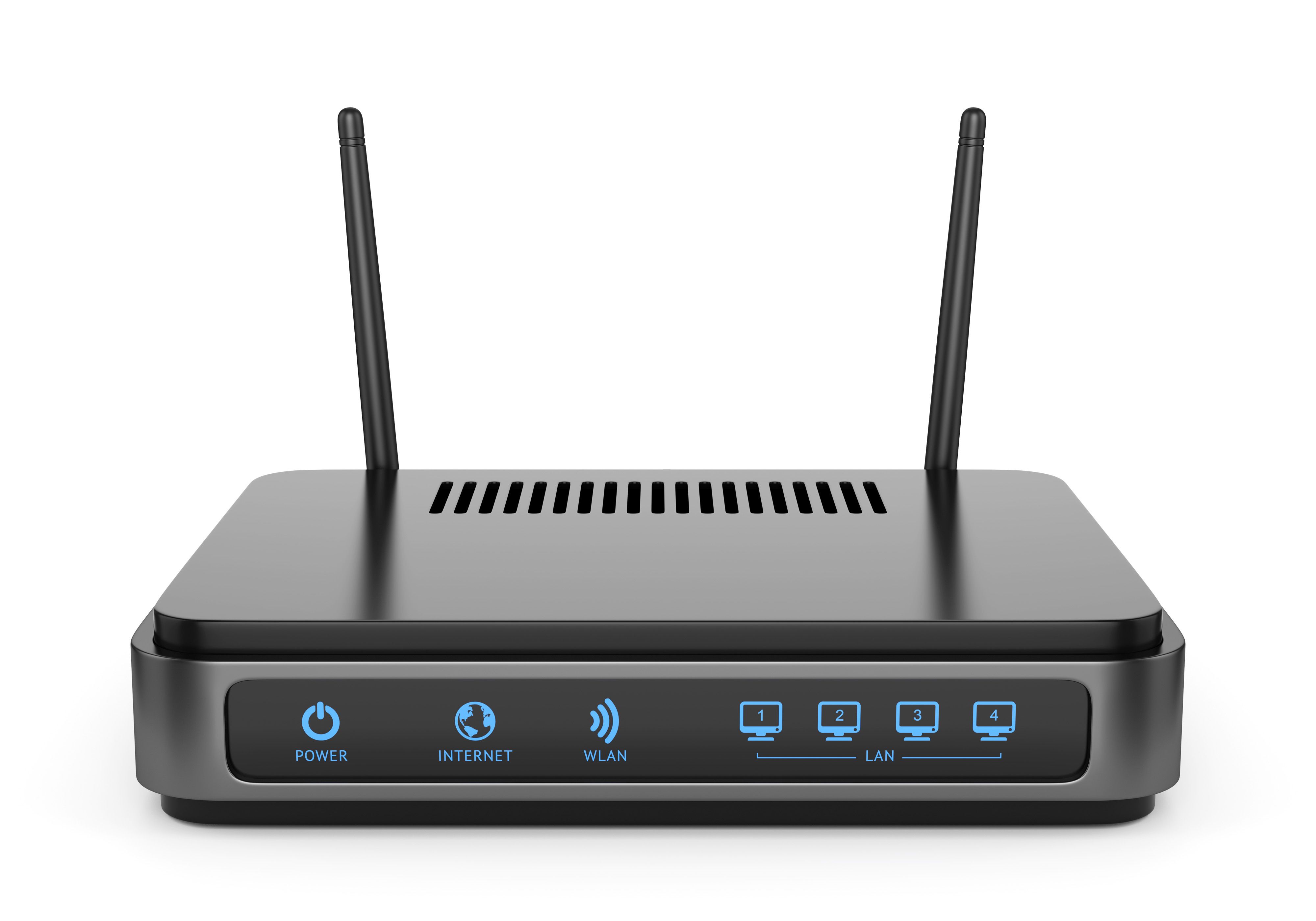
Update Your Router and Devices
Regularly updating your router's firmware can improve its performance and security. Check the manufacturer's website for updates or access your router's settings to find update options. Similarly, ensure that all connected devices are updated to the latest software versions.
Consider a Mesh Network
If you have a large home or experience dead zones, consider investing in a mesh Wi-Fi system. These systems consist of multiple nodes that work together to provide consistent coverage throughout your home.

Secure Your Network
Securing your network prevents unauthorized users from consuming your bandwidth. Use strong, unique passwords and enable WPA3 encryption if your router supports it. Regularly changing your Wi-Fi password can further enhance security.
Limit Bandwidth-Heavy Applications
Identify and manage applications that consume a lot of bandwidth. Streaming services and online gaming can slow down your network. Schedule downloads or updates during off-peak hours to ensure optimal performance when you need it most.
By implementing these strategies, you can significantly improve your home network's performance in Lufkin. Enjoy faster, more reliable internet, whether you're working from home, streaming your favorite shows, or gaming online.