
How to Maximize Your High-Speed Internet in Lufkin
ET
Check Your Current Internet Speed
Before making any changes, it's essential to know your current internet speed. Use an online speed test tool to measure your download and upload speeds. This will give you a baseline to compare against after making improvements. If the speeds are significantly lower than what you are paying for, it may indicate an issue.

Upgrade Your Equipment
Sometimes, outdated hardware can be a bottleneck. Consider upgrading your modem and router to the latest models, which support higher speeds and better connectivity. Look for devices that support the latest Wi-Fi standards, such as Wi-Fi 6, for optimal performance.
Position your router in a central location within your home to ensure even coverage. Avoid placing it near thick walls or other electronics that might interfere with the signal.
Secure Your Network
Securing your network can prevent unauthorized users from consuming your bandwidth. Ensure that your Wi-Fi network is password-protected using WPA3 encryption. Regularly update your passwords and avoid using default credentials.
Optimize Your Network Settings
Access your router's settings and optimize them for better performance. You can change the channel settings to minimize interference from other networks. Additionally, enabling Quality of Service (QoS) can help prioritize bandwidth for essential activities like video conferencing or gaming.
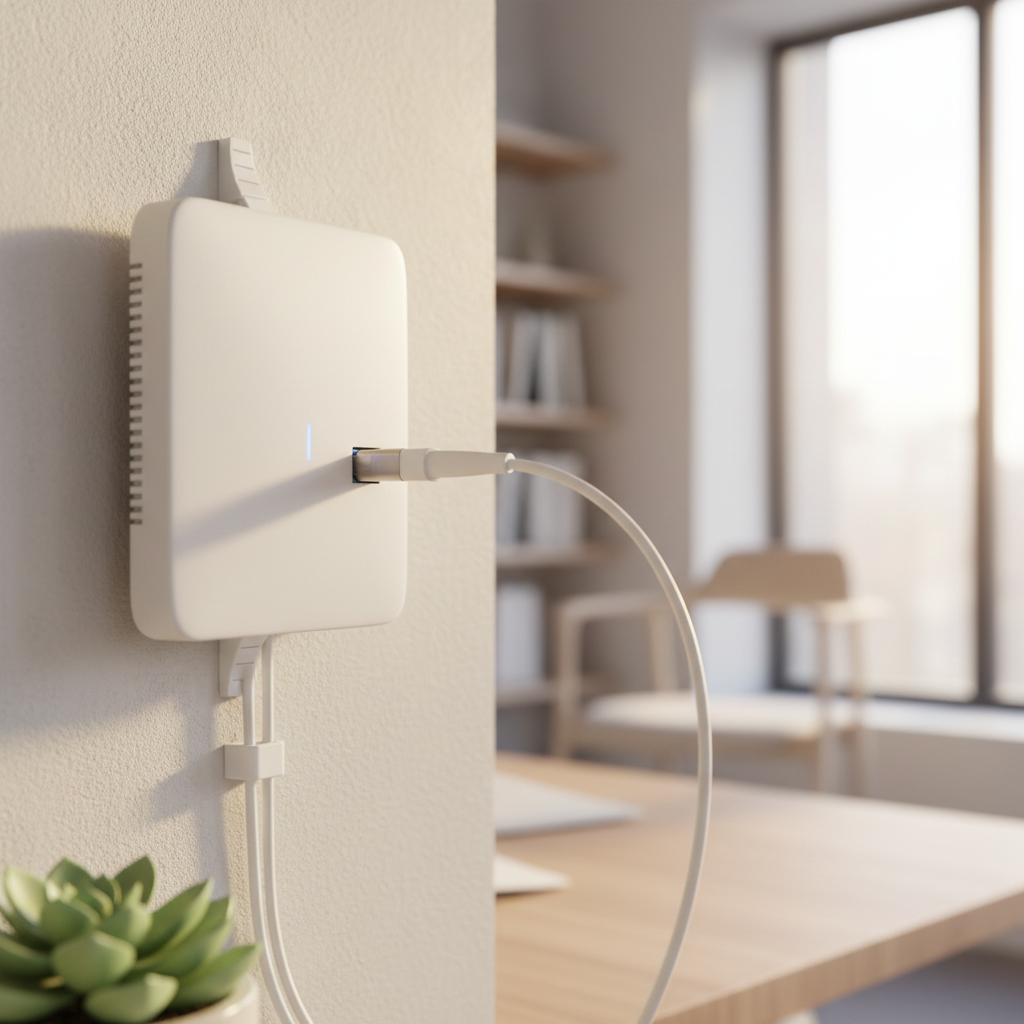
Consider using a wired connection for devices that require stable speeds, such as desktop computers or gaming consoles. Ethernet cables offer a more reliable connection compared to Wi-Fi.
Limit Background Usage
Background applications can consume a substantial amount of bandwidth. Identify and close any programs running in the background that you don't need. This includes cloud backups, automatic updates, and streaming services running on idle devices.

Regularly Monitor and Maintain Your Network
Regularly monitoring your network can help you identify and resolve issues quickly. Use network management software to track usage and performance. Reboot your router occasionally to clear temporary issues and refresh the connection.
By following these steps, you can maximize your high-speed internet in Lufkin and enjoy a seamless online experience. Whether you're streaming, gaming, or working from home, a few adjustments can make a significant difference in your connectivity.